Get Started in 4 Simple Steps
Setting up GoVenue is quick and easy. Start managing your venues efficiently in minutes.
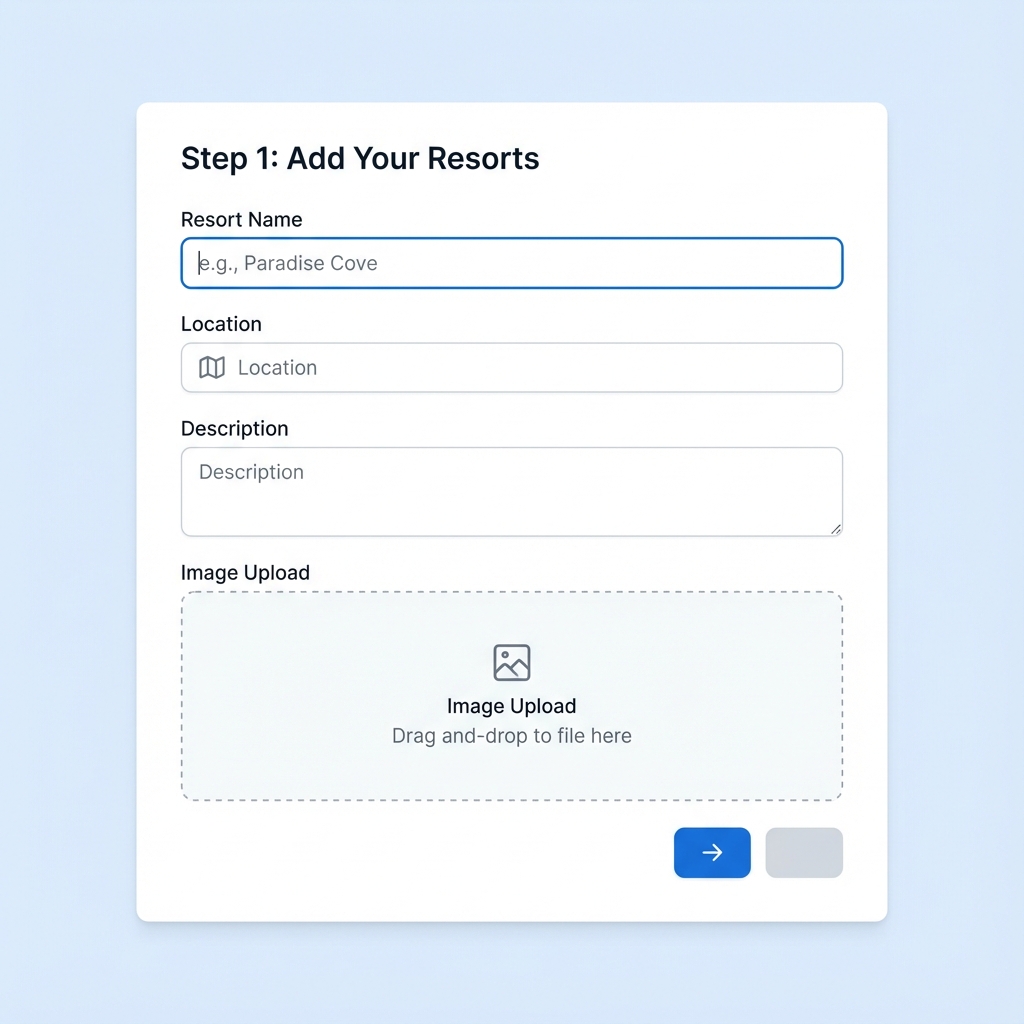
Step 1: Add Your Resorts
Start by creating profiles for all your resort properties in the system. Add essential details like location, contact information, and basic settings.
- Create unlimited resort profiles
- Add property details and amenities
- Set up basic configurations
- Upload property images
- Define operating hours and policies
Step 2: Configure Halls & Venues
Set up individual halls and venues under each resort. Define capacity, amenities, pricing, and availability for each space.
- Add multiple halls per resort
- Set capacity and layout details
- Configure pricing and packages
- Define amenities and facilities
- Set booking rules and restrictions

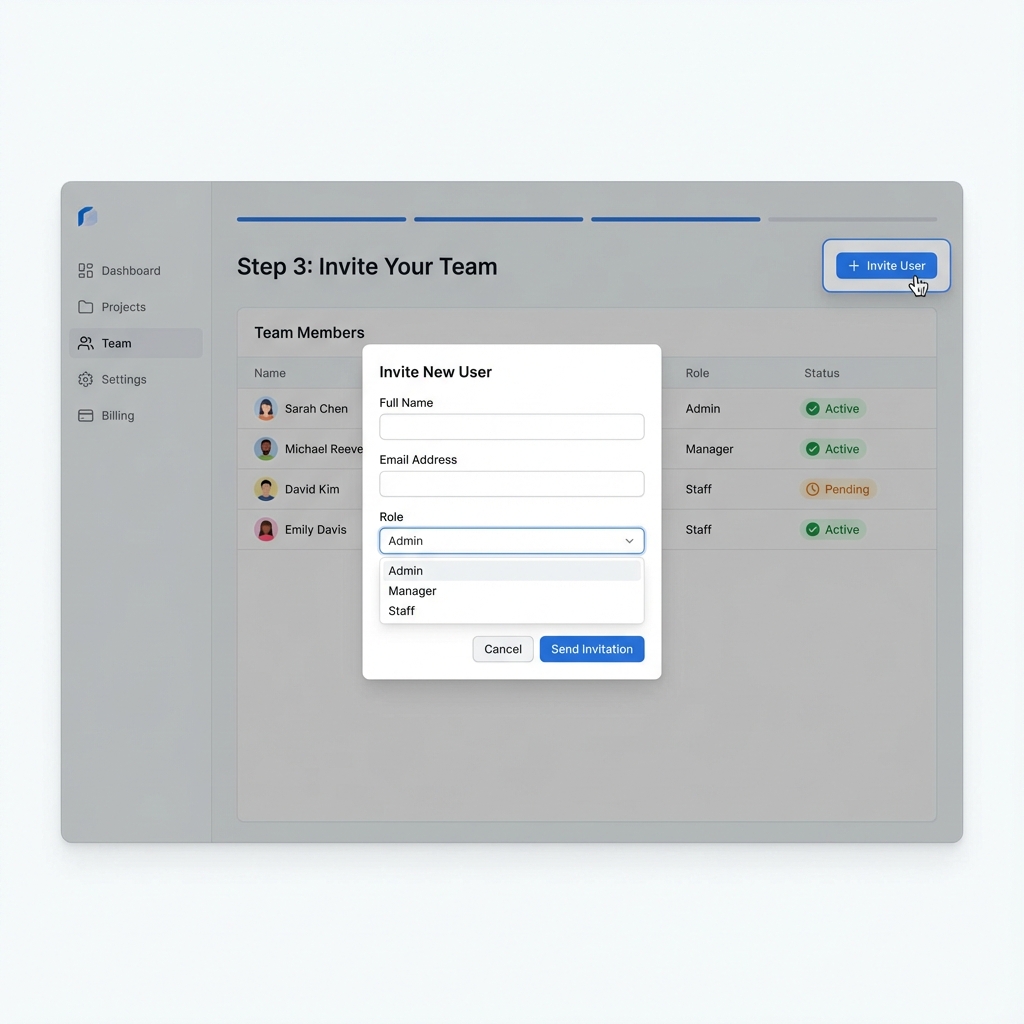
Step 3: Invite Your Team
Add team members and assign roles based on their responsibilities. Control access levels to ensure secure and efficient operations.
- Add unlimited team members
- Assign role-based permissions (Admin/Manager/Staff)
- Set access levels for each user
- Enable team collaboration
- Track user activities and changes
Step 4: Start Managing Bookings
You're all set! Start accepting bookings, tracking availability, and managing your venues efficiently from your centralized dashboard.
- Accept and manage bookings
- Track real-time availability
- Generate invoices and reports
- Send automated confirmations
- Monitor performance metrics

Complete Workflow
See how everything works together seamlessly
Setup
Configure resorts, halls, and team access
Booking
Receive and manage booking requests
Confirmation
Approve bookings and send confirmations
Analytics
Track performance and generate reports
Why This Workflow Works
Our systematic approach ensures smooth operations from day one
Quick Setup
Get your entire venue management system up and running in less than an hour with our intuitive setup process.
Easy to Learn
Minimal training required. Our user-friendly interface is designed for hospitality professionals, not tech experts.
Scalable Growth
Start with one venue and easily expand to manage multiple properties as your business grows.
Seamless Integration
Works with your existing processes. No need to change the way you operate - we adapt to you.
24/7 Support
Our dedicated support team is always available to help you at every step of your journey.
Continuous Updates
Regular feature updates and improvements ensure you always have access to the latest tools.
Ready to Get Started?
See GoVenue in action with a personalized demo